
Catalog and diagnostics
Catalog
Section titled “Catalog”Catalog lists every book in every connected library, one entry per book even when several members own it or own different editions, alongside what Audiobookshelf has.
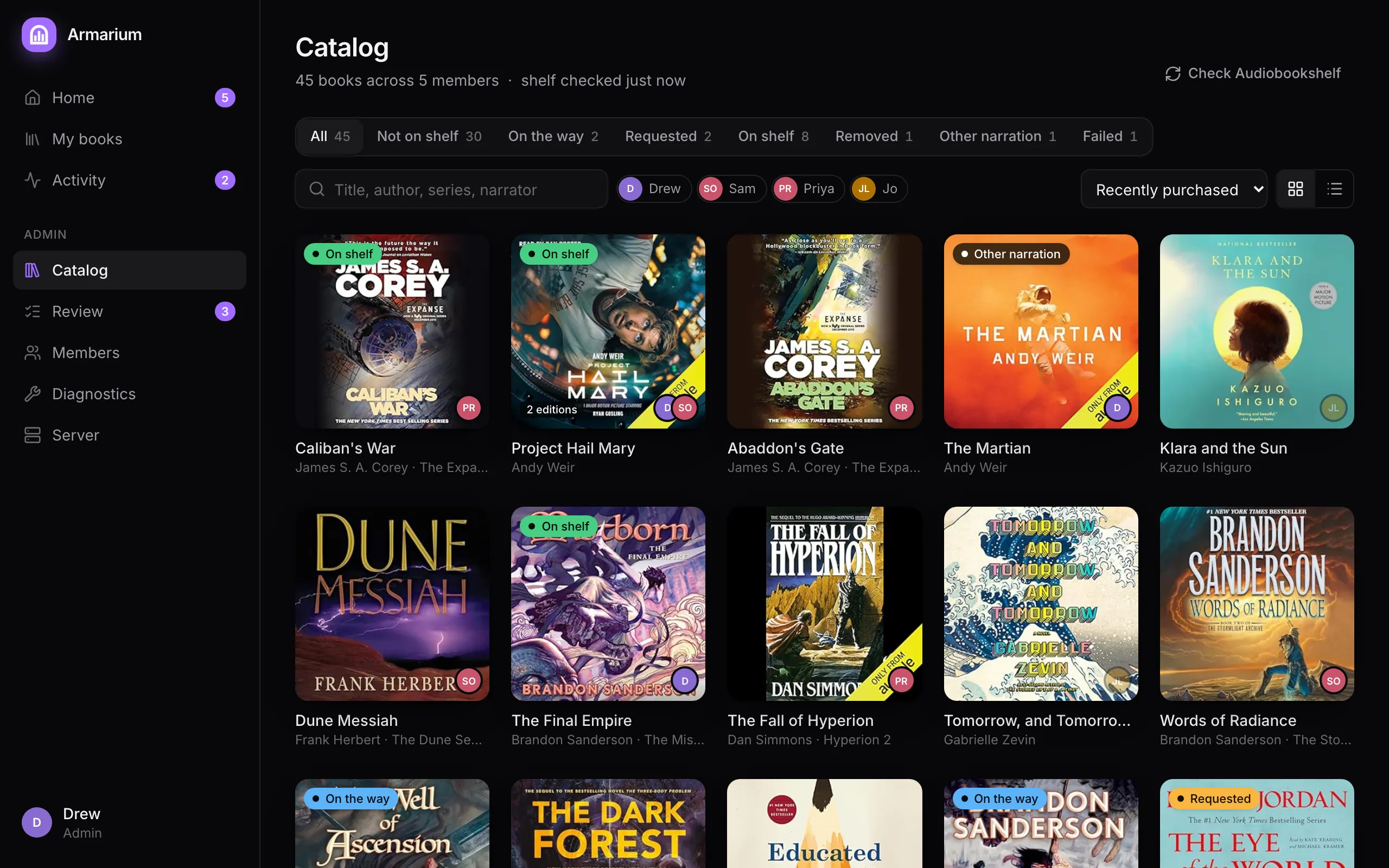
- Filters: All, Not on shelf, On the way, Requested, On shelf, Removed, Other narration (the shelf has this book read by someone else) and Failed. Filter by owner, search, sort by recently purchased, title, author or most owners, as a grid or a list.
- Check Audiobookshelf refreshes Armarium’s picture of the shelf. The line under the title says whether live updates are connected.
- Pull puts a book on the shelf without anyone asking, using one owner’s Audible account. It is approved immediately. Armarium uses your own copy if you have one, otherwise the first owner who shares their whole library; open the book to pick a particular owner or edition. A removed book offers Re-add instead.
- Pull is also how you change your mind about a declined book.
A book can’t be pulled when every owner shares only what they pick, or when every owner who shares needs to sign in to Audible again.
Diagnostics
Section titled “Diagnostics”Diagnostics shows what’s happening underneath. Members never see it.
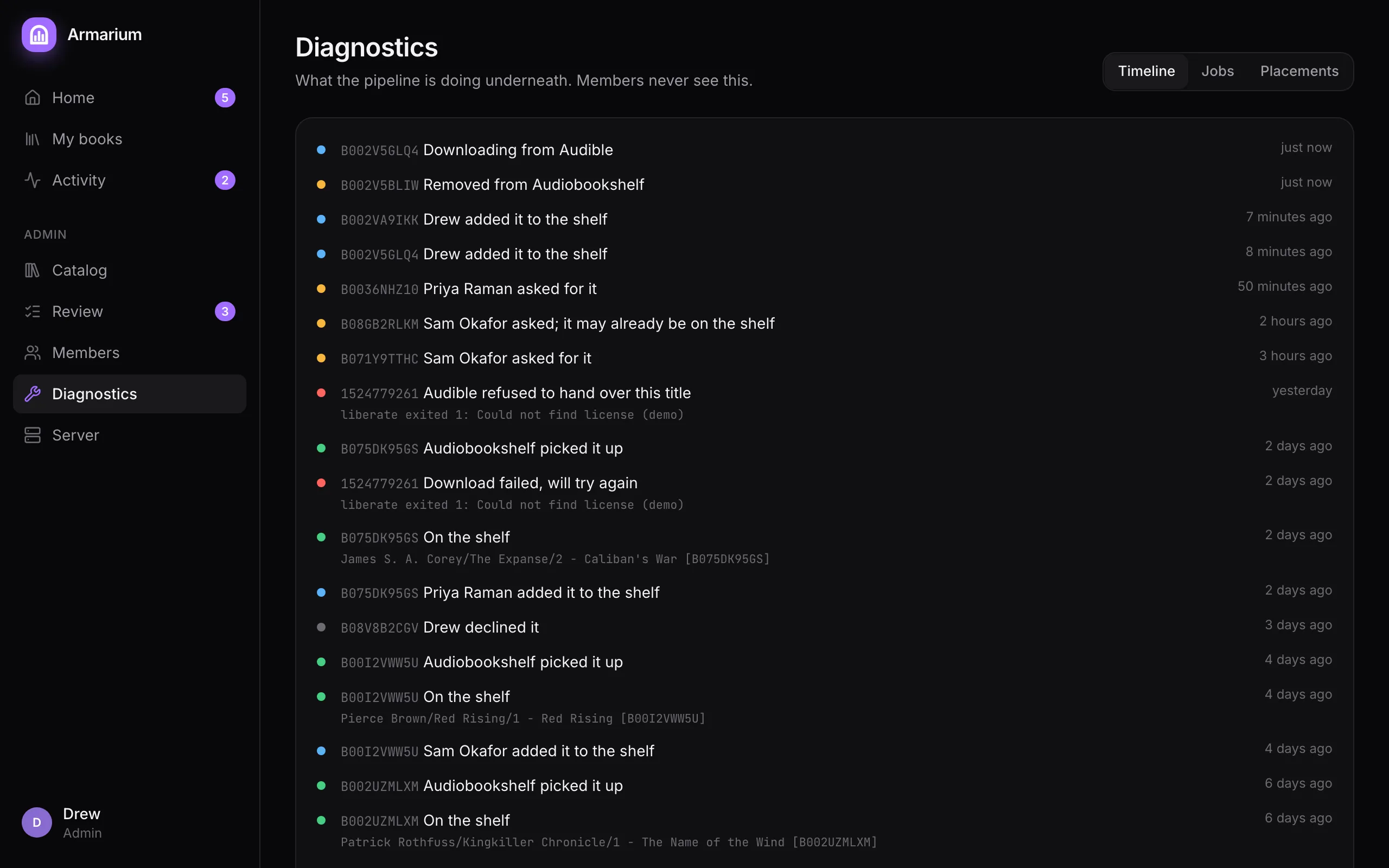
- Timeline: every step for every book, with the technical detail (Libation output, Audiobookshelf answers) members don’t see.
- Jobs: scans, downloads and matches, with attempts and errors.
- Placements: each book Armarium put on the shelf, its folder, who contributed it, and whether Audiobookshelf has matched it yet.