Your account
Everything about your own account is under Settings, in the menu under your name.
Account
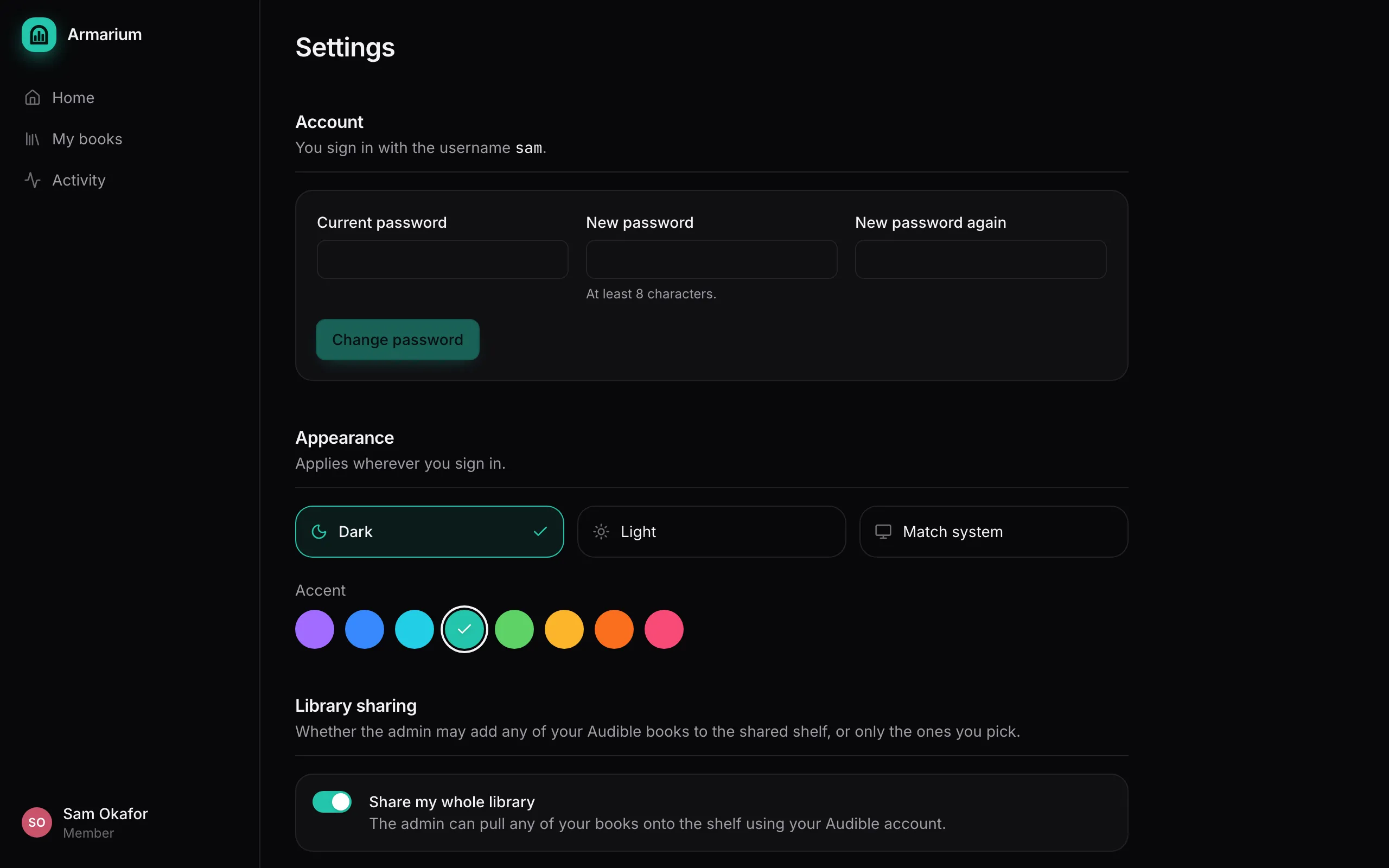
Section titled “Account”Shows how you sign in: a username and password, single sign-on, or both. To change your password, enter the current one and the new one twice (at least 8 characters). Every other device you’re signed in on is signed out.
If you only use single sign-on, your password is managed by your sign-on provider instead.
Appearance
Section titled “Appearance”Dark, light or match your system, and one of eight accent colours. It follows you to every device you sign in on.
Library sharing
Section titled “Library sharing”Share my whole library decides whether an admin may add any of your books to the shelf, using your Audible account. Admins do this from the Catalog when they want a book someone owns.
- On: an admin can pull any of your books onto the shelf.
- Off: only the books you add yourself go on the shelf.
Either way, the books you add yourself work exactly the same.
Audible
Section titled “Audible”Your connected Audible accounts. See Connect Audible.