
Notifications
Armarium posts to Discord through a channel webhook. Under Server → Notifications, paste the webhook URL (in Discord: channel settings → Integrations → Webhooks → New Webhook → Copy Webhook URL), Save, and Send a test. The URL is stored encrypted.
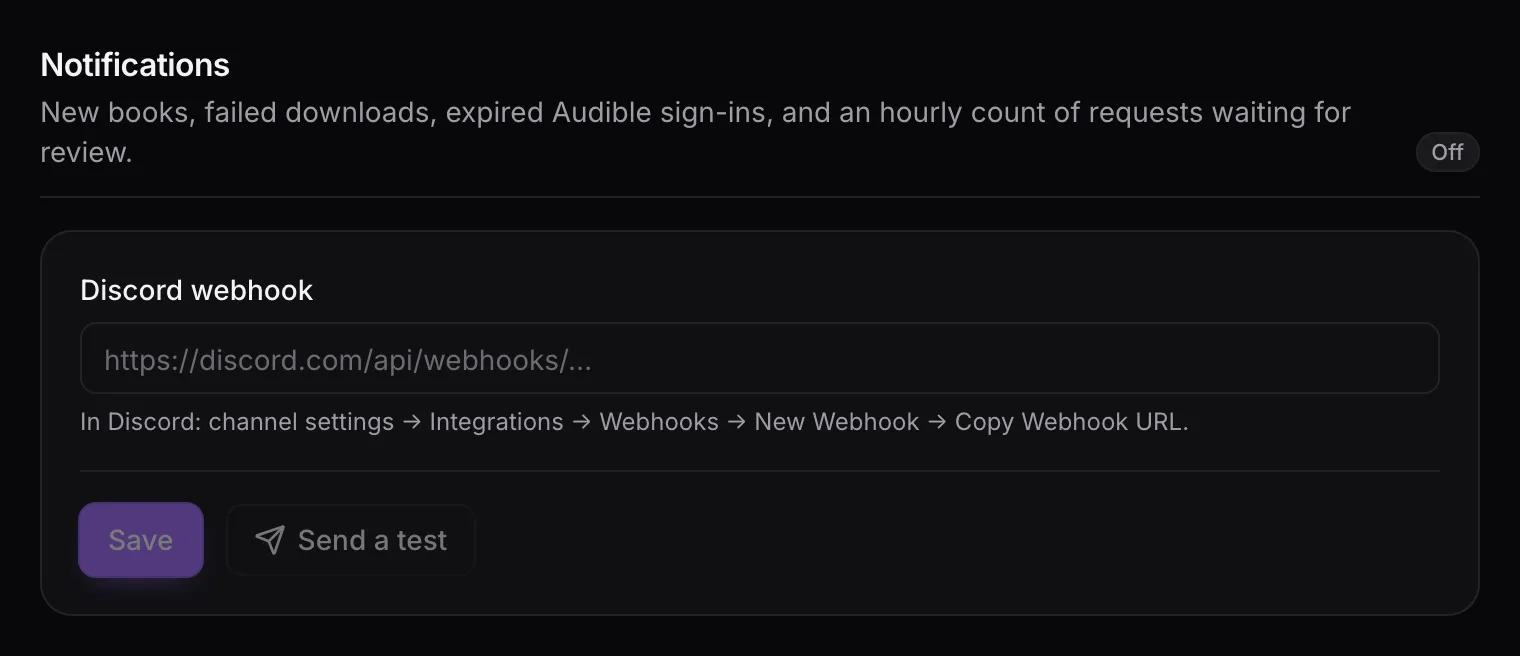
Messages are posted as “Armarium”:
| Message | When |
|---|---|
| New audiobook: Title | A book is on the shelf, with its author and who contributed it. |
| Download failed: Title | A download gave up after its retries. |
| Audible re-login needed | Someone’s Audible sign-in expired; their downloads are paused until they sign in again. |
| N sync requests waiting for approval | Requests are waiting for review. Sent at most once an hour, and only when the list has changed. |
People are named, not @-mentioned. Turn off removes the webhook.