
What is Armarium?
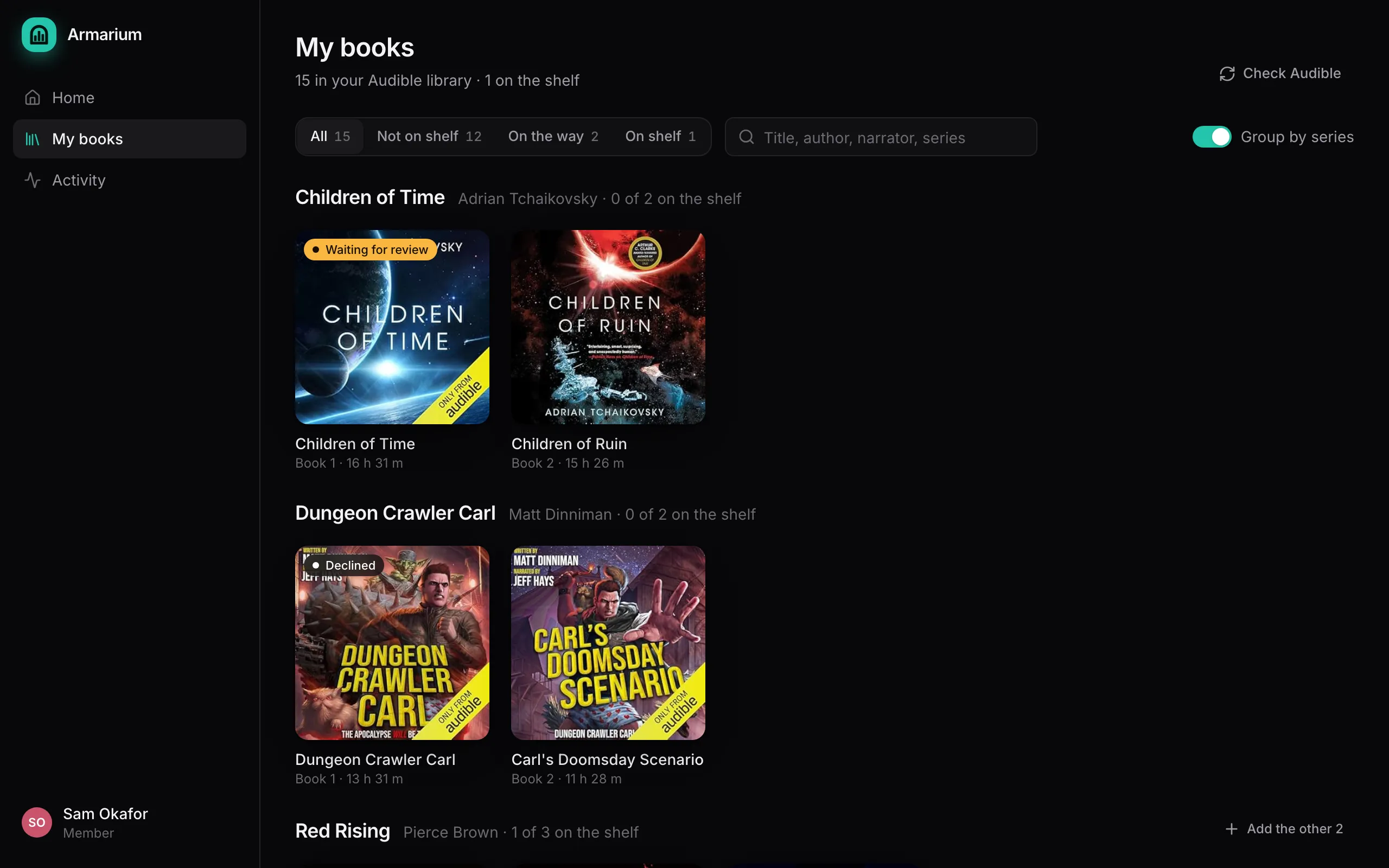
Armarium is a small web app you run next to Audiobookshelf. It lets a group of friends or a household put the audiobooks they bought on Audible onto one shared Audiobookshelf library, without anyone handing over their Amazon password and without the shelf filling up with three copies of the same book.
- Members connect their own Audible account, browse their library in Armarium, and press Add to shelf on the books they want to share.
- Admins approve requests, see possible duplicates side by side, and run the server.
- Armarium downloads approved books with Libation, moves them into the library folder in the layout Audiobookshelf expects, asks Audiobookshelf to scan, and matches each book to its Audible metadata.
What it is not
Section titled “What it is not”- Not a player. People listen in Audiobookshelf, its apps, or anything else that reads that library.
- Not a way around buying books. Every book comes from someone’s own Audible purchase, downloaded with their own Audible sign-in. Armarium never runs a bulk download; it only fetches the titles that were asked for and approved.
- Not a replacement for Libation. It drives Libation’s command-line tool, one isolated copy per member, and keeps everything Libation needs out of your way.
What you need
Section titled “What you need”- A machine that runs Docker, with Audiobookshelf already set up and a book library in it.
- The Audiobookshelf library folder on that machine, so Armarium can write into it.
- An admin API key for Audiobookshelf (Settings → API Keys).
- Optionally: a Discord channel for notifications, and an OpenID Connect provider (pocket-id, Authelia, Authentik, Keycloak…) if you want single sign-on.
Ready? Install it, or read how it works first.